
Route planning for frozen and cold chain distribution
For frozen and chilled distribution, OptiRoutes plans routes that match each load to the right vehicle: content types such as chilled and frozen, refrigerated trucks set to their content type, a cooling area in the pallet arrangement, and customer time windows. Drivers close each stop with a signed delivery note and photos in the app.
Updated:
What does a planner's day look like in cold chain distribution?
A cold chain planner works with fewer degrees of freedom than most. Not every truck can carry every order: frozen goods need a freezer truck or a frozen compartment, chilled goods need a refrigerated vehicle, and some customers order both. The number of refrigerated vehicles is limited and expensive, so the plan has to use each one fully without mixing products that must not share a space.
Time is a constraint of its own. Supermarkets and restaurants receive frozen goods in narrow windows, and a truck that waits with its doors open at a busy ramp is a risk to the products. The planner wants the pallets arranged so the driver unloads quickly at each stop, with the first customers' pallets near the door and the frozen pallets close to the cooling unit.
Then there is the paperwork: the vehicle's cooling approval must be valid, drivers' licences must be current, and every delivery needs a signed note — often with a photo — in case a customer later disputes the condition of the goods. At the end of the day the office needs a clear record of what was delivered, what was refused, and why.
Which OptiRoutes features matter most for frozen and chilled distribution?
- Content types. Define content types such as dry, chilled and frozen in the Vehicles tab, and pick the content type each vehicle carries. A vehicle without a type suits any content. When splitting by priority lines with a group, a vehicle set to another content type is not assigned to that group's route.
- Pallets divided by groups. Groups that never share a pallet are listed in the pallet settings, and pallets are built group after group. When orders carry a group description, chilled and frozen are separated by themselves.
- A cooling area in the truck. Type how many pallets stand near the cooling unit, and the maximum volume allowed on those pallets. The truck arrangement then uses those places for the cooled pallets.
- Arrangement for fast unloading. The arrangement orders the pallets so the first stops' pallets are near the door, and the vehicle's unloading type — two doors, both sides or regular — changes the arrangement accordingly. See pallets and truck loading.
- Capacity per vehicle type. Amount, weight, volume and pallet places per vehicle type. Planning never fills a vehicle beyond its capacity.
- Truck travel times. With "Truck" as the vehicle type for travel, travel times follow truck roads and speeds, so arrival times come out realistic.
- Time windows and stop times. Windows per customer and weekday, a time at each stop, and a reorder method that follows the windows. See time windows.
- Licences and inspections. Each driver card keeps the expiry dates of the driving licence, the vehicle test, the cooling approval and the ramp inspection. The system keeps the dates but does not send reminders, so set yourself a regular check.
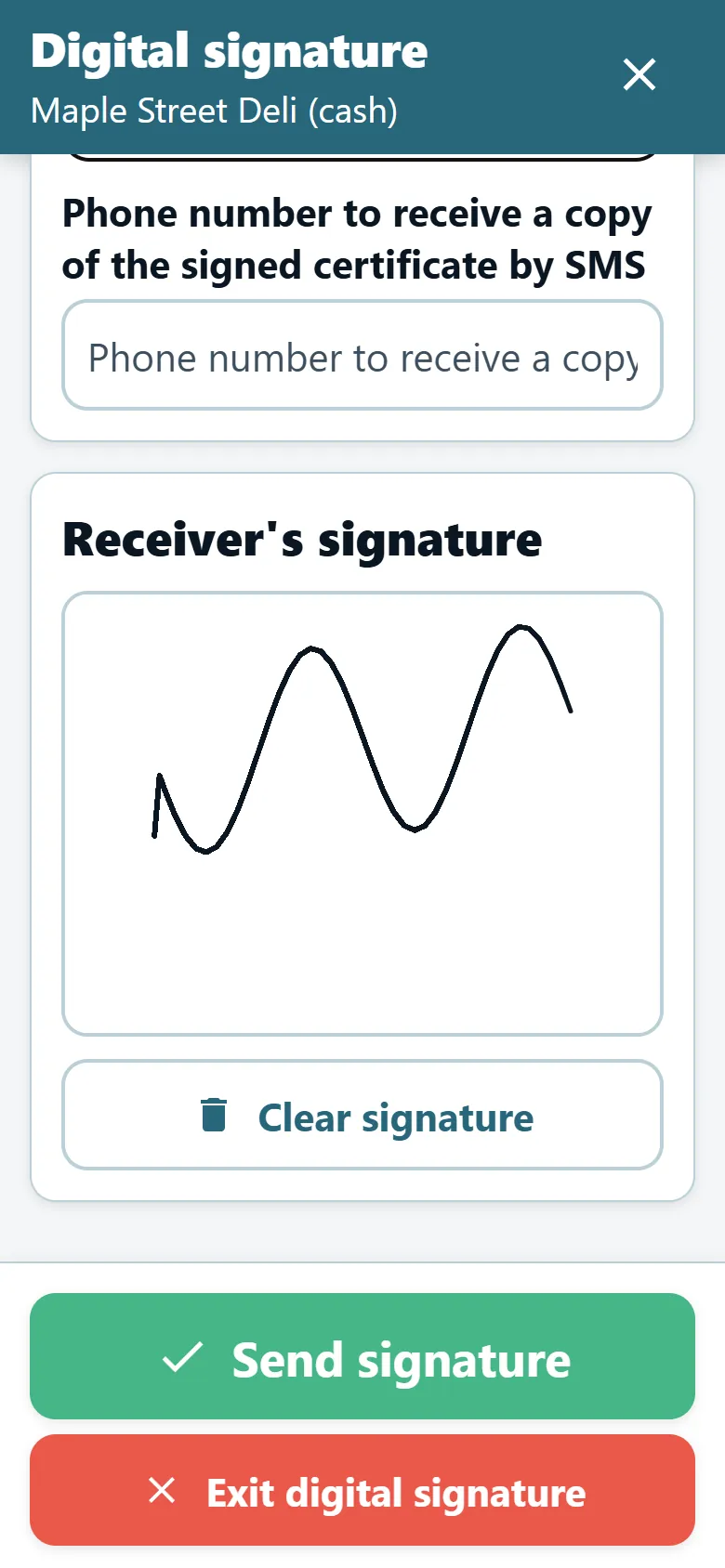
- Required proof on delivery. Per driver, require a photo of the delivery note, the recipient's signature, the recipient's name, or a pallet report before the delivery can be finished. See proof of delivery.
How do you keep refrigerated trucks fully used?
Start from honest capacities. Give each refrigerated vehicle type the amount, weight, volume and pallet places it really carries — too high creates routes that do not fit the truck, too low adds routes you do not need. Then add route exceptions: a minimum weight or a minimum number of pallets marks a route orange when it is under-used, and a maximum marks it red when it is overloaded. Moving deliveries from a red card to an orange one evens both out.
With Learning AI planning, large orders can get special handling: an order that fills almost a whole truck gets a truck of its own, and large orders are placed so that the trucks are filled better. Planning can also check the customers' time windows against real driving times while dividing the stops; a stop that cannot be reached on time moves to another route.
How do drivers handle a mixed chilled and frozen stop?
On routes with several content types, a marker shape per content type on the map — pin, circle, triangle, square, diamond, hexagon or star — shows at a glance which stop gets frozen and which dry goods, without opening the orders. The printed pallet arrangement tells the loaders where each customer's pallets stand, and the arrangement can also be done manually on screen or, if you prefer, by the driver in the app.
At the stop, the driver reports arrival with the Arrived button, then delivery, and can record pallets collected and delivered. A non-delivery can require a reason from your ready list, such as "no one to receive" or "freezer full", so the office sees the same wording every time.
Which KPIs should a cold chain distributor track?
An illustrative example with fictional numbers for a distributor with 8 refrigerated trucks. It shows what to measure and where; it is not a claim about any OptiRoutes customer.
| KPI | Where you see it in OptiRoutes | Illustrative week |
|---|---|---|
| Pallets per route against pallet places | Route card figures band and capacity bars | 14 of 16 |
| Routes marked under-used (orange) | Route cards, by your route exceptions | 3 |
| Deliveries inside the customer window | Period review | 93% |
| Deliveries without a signed note (POD) | Period review, open from yesterday; cash desk POD check | 4 |
| Stops reached late | Real-time distribution, "Not on time" filter | 11 |
How do you start planning cold chain routes in OptiRoutes?
Fill the Vehicles tab first: vehicle types, capacities, content types and unloading types. Then set the pallet limits and the cooling area in the Pallets tab, and give each driver a car type. Load one real day of orders in the free trial (3 days, up to 50 addresses a day, no card) and check the truck arrangement of a familiar route before changing more settings.
See your refrigerated fleet on a real plan.
3-day free trial · up to 50 addresses a day · no credit card
Frequently asked questions
Does OptiRoutes monitor truck temperatures?
No. OptiRoutes plans the routes and the pallet arrangement and records deliveries; it does not read temperature sensors. The vehicle card can note sensors, a ramp and a forklift for information, and the driver card keeps the cooling approval expiry date.
Can a freezer truck be kept off dry routes?
Yes. Set the vehicle content type to frozen or chilled. When splitting by priority lines with a group, a vehicle set to another content type is not assigned to that group’s route.
How are frozen pallets placed in the truck?
Set the number of pallets in the cooling area and the maximum volume on them. Which places count as the cooling area depends on the unloading direction setting; the arrangement window shows the result per route.
Can the driver be required to photograph every delivery?
Yes. Photo required on delivery, signature required and recipient name required are switches per driver. Each required switch stops the driver from finishing the delivery until it is done.
What does it cost?
$49 per line per month, less per line as you grow, by the monthly average of lines a day. A line is one route of one day. The trial is free for 3 days with up to 50 addresses a day, no card needed.
Start free trial — 3 days, no card
3-day free trial · up to 50 addresses a day · no credit card